Codeanywhere
Cloud IDE + AI-powered coding assistant: code, collaborate, run workspaces in your browser or device with pre-built environments.
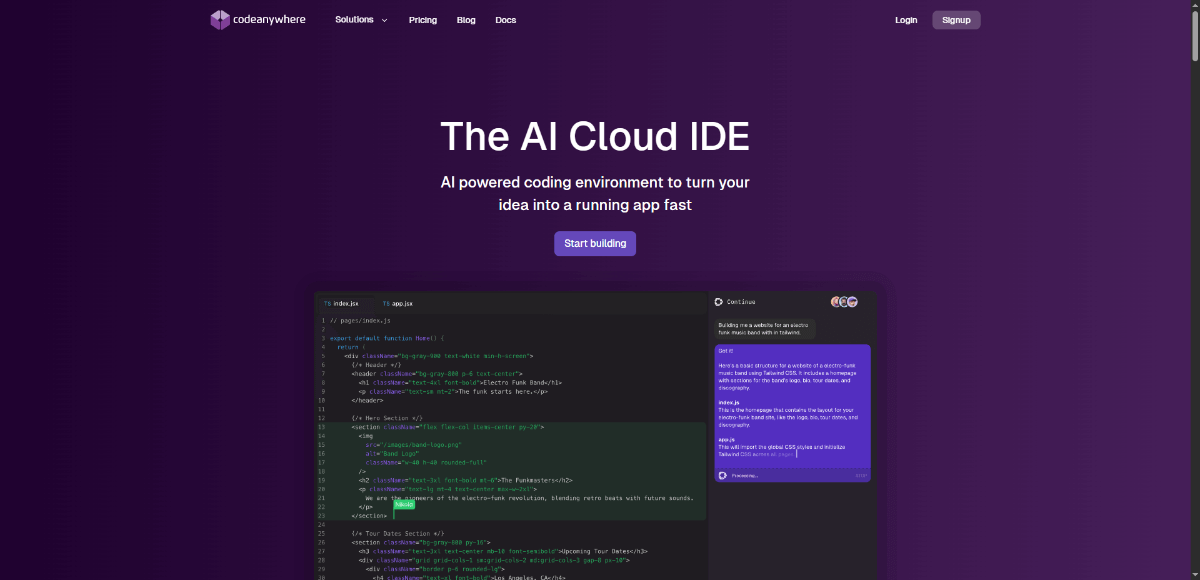
About Codeanywhere
Codeanywhere is a cloud-based IDE that offers an AI coding assistant, VS Code-style browser editor, terminals, GPU-powered workspaces, collaboration features, and pre-configured containers for many languages/frameworks. It supports both individual developers and teams, as well as education institutions. It emphasizes flexibility (connect to your repos, remote servers, etc.), ease of setup, and compliance (GDPR, SOC2, ISO27001).
Because it bundles cloud-IDE flexibility with powerful AI-assisted coding, collaboration, and preconfigured containers so you can avoid setup overhead. Its cross-device accessibility, educational focus, and compliance credentials make it a fit for both learners and professionals. It helps users get started fast, iterate quickly, and collaborate without worrying about local environment mismatches.
Key Features
- AI Coding Assistant: autocomplete, code suggestions, natural language instructions/rewrite within code.
- VS Code-like browser editor UI for multiple devices.
- Terminal integrated inside the cloud environment.
- Live collaboration: multiple users in same workspace, real-time edits.
- Pre-built development environments / containers with stacks & languages pre-installed.
- Browser preview & port forwarding for sharing running apps.
- Support for many programming languages and frameworks, plus ability to connect to GitHub, GitLab, Bitbucket, remote servers etc.
- Educational-institution plans and support for students/teachers.
- Compliance / security: SOC2 Type II, ISO 27001, GDPR.
Pros and Cons
Pros
- Access your dev environment from browser / any device without heavy local setup.
- Live collaboration facilitates pair programming or teaching.
- AI-assisted editing and autocomplete help speed up coding.
- Strong compliance and security for teams / enterprises.
- Educational support, good for students & institutions, cost savings vs on-prem setups.
Cons
- Free tier has limited resources; may not suffice for heavier use.
- Performance dependent on internet connection / cloud container latency. (inherent to cloud IDEs) inferred
- Costs escalate with more containers, higher RAM, always-on features.
- Some customization or integrations may be less flexible than local dev setups. inferred
- Browser environments may have limitations vs full local setups (e.g. hardware access) inferred
Frequently Asked Questions
Related Websites
Other websites you might find interesting
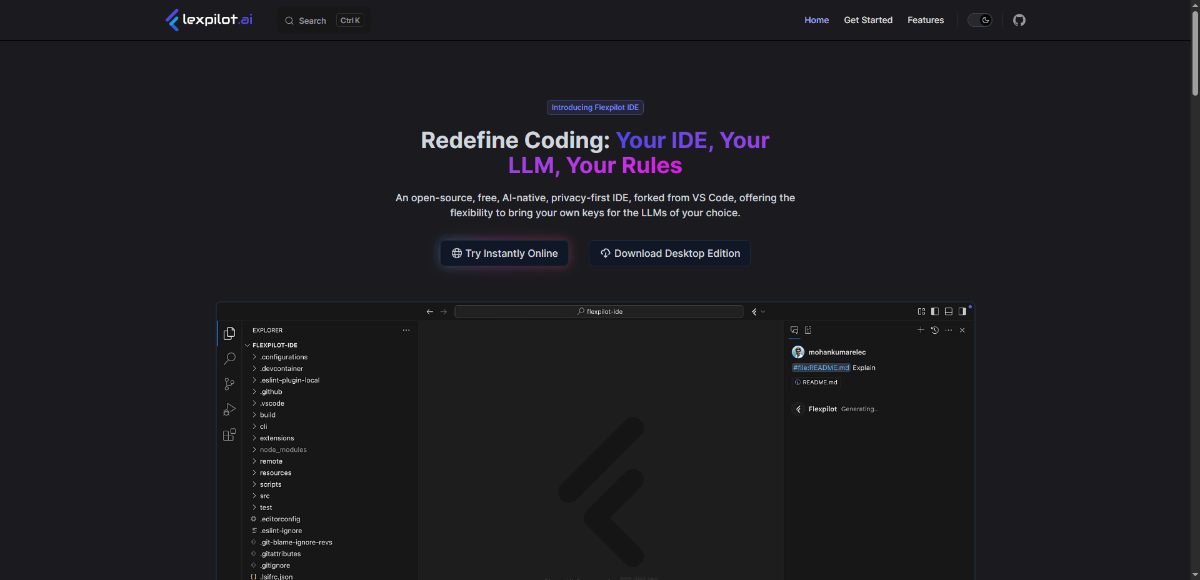
Flexpilot AI
An open-source, AI-native, privacy-first IDE forked from VS Code, allowing developers to integrate their preferred LLMs using their own API keys.
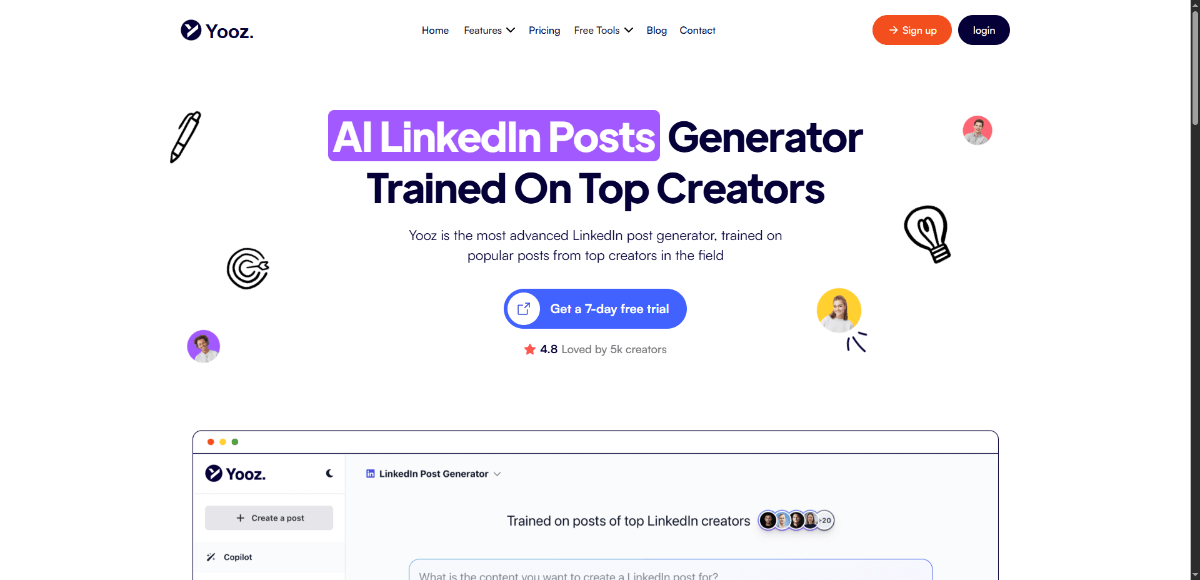
Yooz AI
AI-powered LinkedIn post and social media content creator that helps you write, schedule, and publish engaging posts.

ShortMeme
AI-powered platform for creating instant photo memes with customizable captions and layouts.

Newtn
AI-driven content marketing platform that audits, optimizes, and generates SEO-friendly content at scale.