Cursor
An AI-powered code editor that boosts developer productivity by integrating intelligent code completion, multi-line edits, and natural language commands.
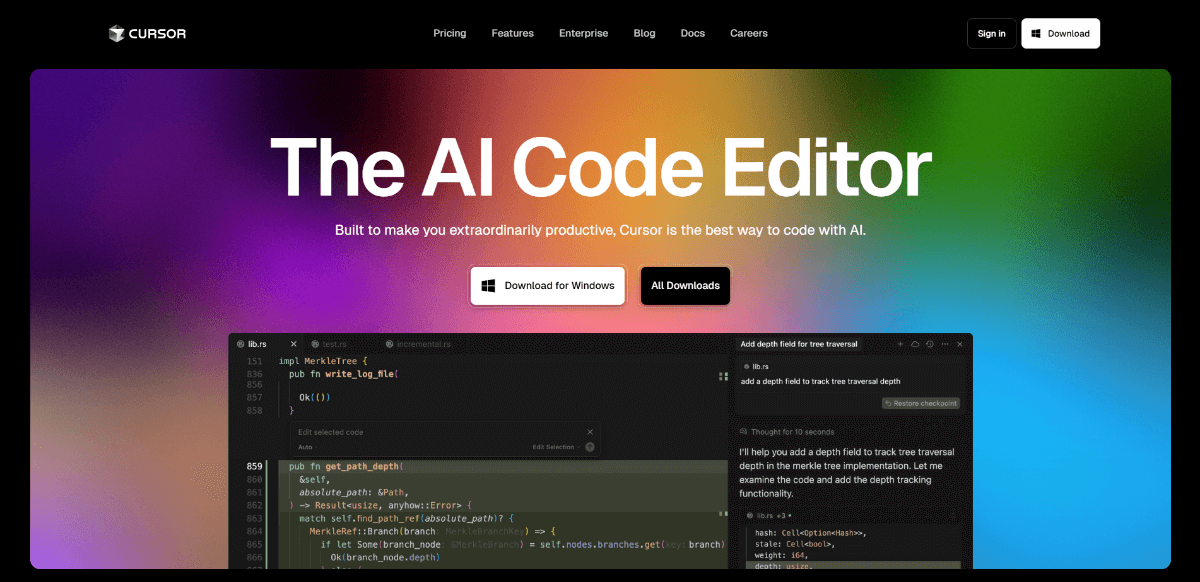
About Cursor
Cursor, by Anysphere, is a modern code editor built with AI features that make coding faster and more intuitive. It predicts your next edits ('Tab, tab, tab'), understands your codebase for context, lets you write or update code via natural language instructions, offers multi-line edits and smart rewrites, and supports privacy features like a Privacy Mode and SOC2 certification. It's aimed at individuals and engineering teams wanting to improve productivity without sacrificing security.
Because it blends powerful AI assistance with familiar tooling and strong privacy/security guarantees. For many developers, being able to stay in flow (writing, editing, refactoring) using natural prompts, without jumping between tools, makes a big difference. It’s particularly strong for devs who want smart autocomplete plus tools to understand their whole codebase, with confidence around IP protection.
Key Features
- AI-powered tab completion that predicts next edits across lines
- Multi-line edits
- Smart rewrites (autosuggest fixes or refactors)
- Natural language code editing (e.g. update classes/functions via prompt)
- Agent mode for end-to-end tasks
- Codebase context awareness (refer to files/docs in your base)
- Import extensions, themes, keybindings from familiar editors (e.g. VS Code)
- Privacy Mode (code never stored remotely without consent)
- SOC 2 / enterprise-grade security
- Support for large codebases (enterprise scale)
Pros and Cons
Pros
- Strong AI autocomplete and code generation features
- Deep context understanding of your codebase
- Natural language instructions make coding modifications easier
- Good privacy features and compliance (SOC2, Privacy Mode)
- Familiar interface/extensions for people used to VS Code
Cons
- Usage-based pricing / credit/inference model may be expensive for heavy users
- Potential performance issues with very large/complex codebases
- Some controversy/discontent when pricing/limits change
- Learning curve for new workflows (agents, edits, prompts)
- Closed source / proprietary (less modifiability compared to open editors)
Frequently Asked Questions
Related Websites
Other websites you might find interesting
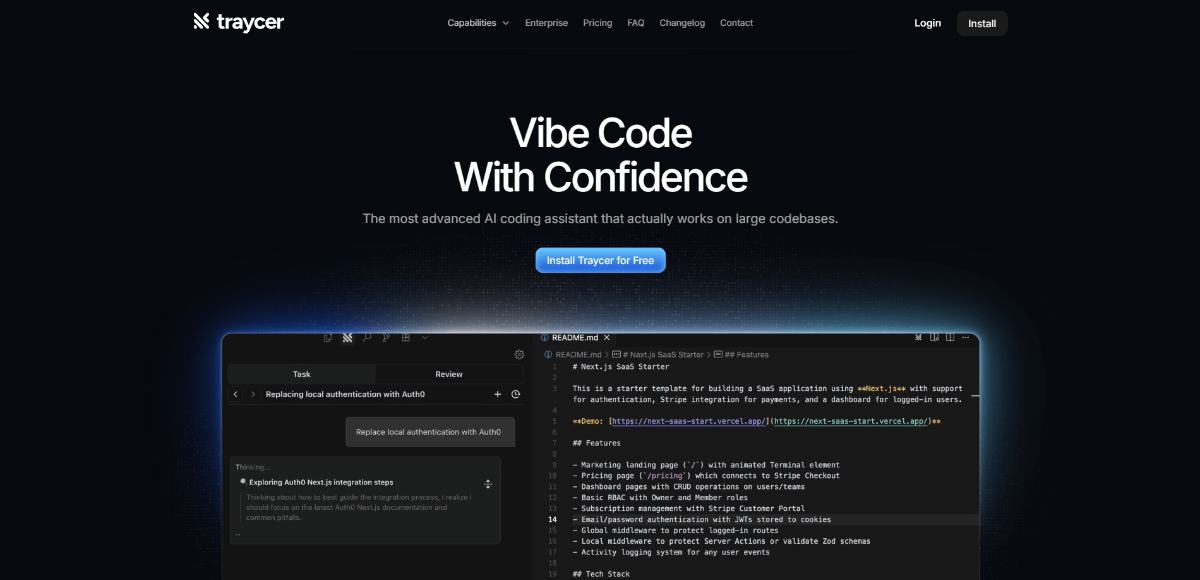
Traycer.ai
AI tool for diagnosing and debugging user-facing UI performance issues by tracing renders, interactions, and frame drops.
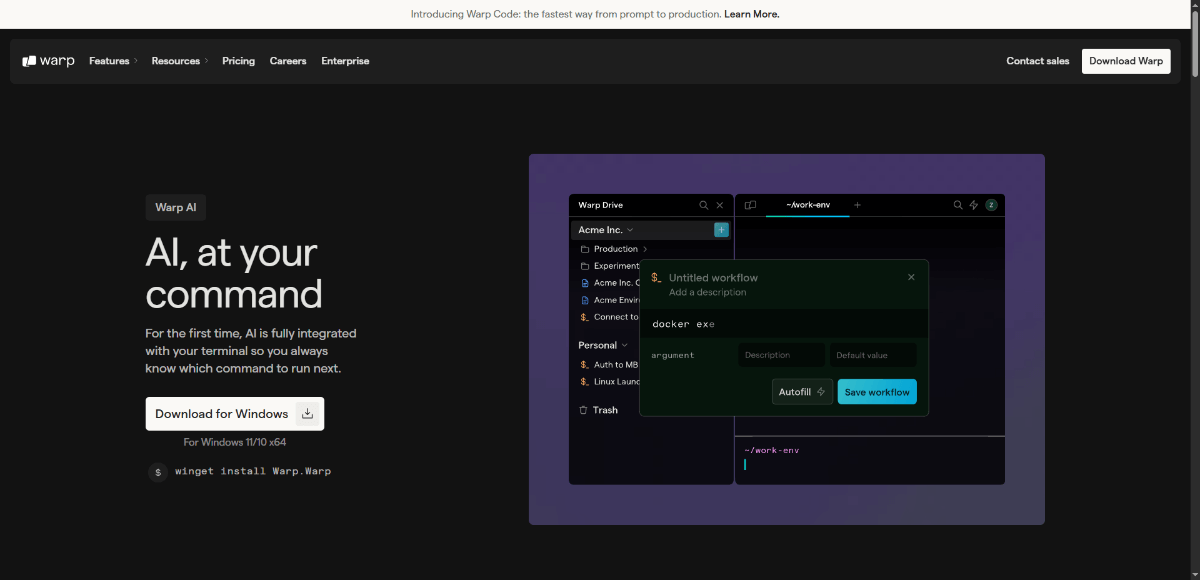
Warp AI
Integrated natural-language coding agents inside your terminal to make command-line faster, smarter, and more intuitive.

Collate
AI-powered PDF assistant for Mac, enabling offline document interaction, summarization, and insight extraction.

Aiter
One-click AI marketing assistant that generates ads, content, strategy, and SEO insights from your website.