Kilo Code
Kilo Code is an open-source AI coding agent for VS Code & more.
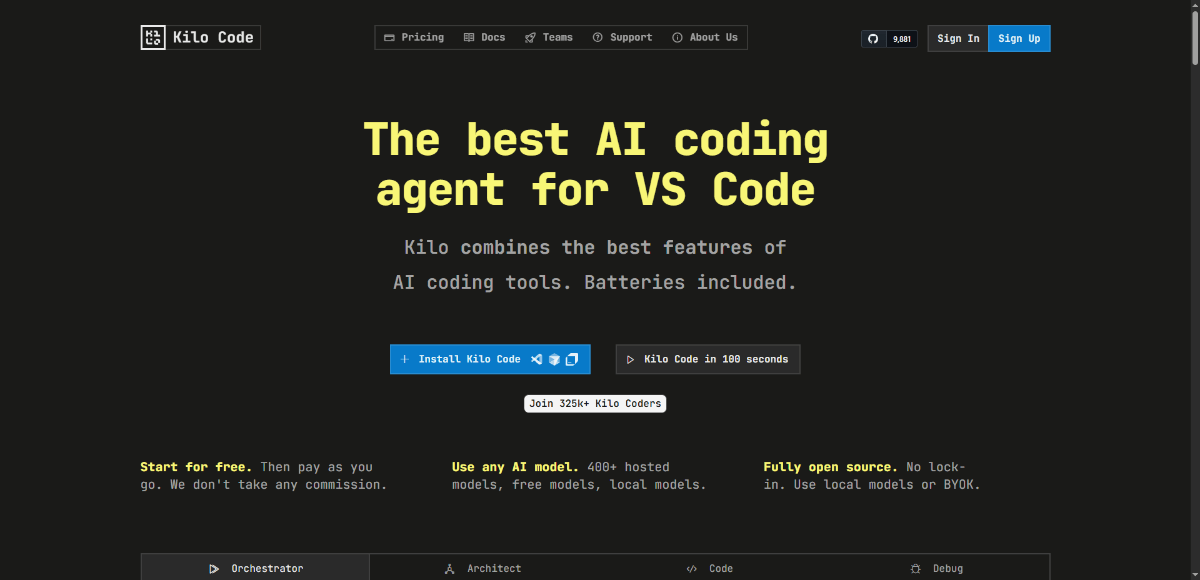
About Kilo Code
Kilo Code offers a powerful open-source AI coding agent that works inside VS Code, JetBrains, Cursor, and more. It lets users choose from 400+ hosted models (including local ones), use custom API keys, and avoid vendor lock-in. With modes like Orchestrator (task decomposition), Architect, Code, Debug, Personas for agents, and features like automatic error recovery, dependency management, test updates, and a memory bank, Kilo aims to automate tedious parts of software development while giving developers full control over tools, models, context, and cost.
Because it gives developers both power and control: you get many AI features out-of-the-box, without sacrificing model choice, privacy, or cost transparency. It streamlines workflows (coding, debugging, architecture) and avoids vendor lock-in while still being rich in features — a great fit for devs who want serious AI assistance without compromising openness or flexibility.
Key Features
- Orchestrator mode to break complex projects into subtasks
- Architect, Code, Debug agent personas for different stages of development
- Supports 400+ hosted models including free and local models
- Open source: full code on GitHub, no vendor lock-in
- Automatic error detection and failure recovery (run test suites, fix errors)
- Memory bank: keeps context of what you worked on / preferences without re-explaining
- Support for multiple editors: VS Code, JetBrains IDEs, Cursor etc.
- Transparent usage-based pricing, ability to buy AI tokens at OpenRouter prices
- Teams & Enterprise features: team dashboard, role permissions, priority support, audit logs, SSO / OIDC / SCIM (for enterprise tier)
- Free plan available forever with community support
Pros and Cons
Pros
- Open source and no vendor lock-in (use your own models or APIs)
- Wide model support (400+ models, including local/free ones)
- Transparent pricing, no hidden fees
- Good set of built-in agent personas and orchestrator modes to structure work
- Free plan gives plenty to try; Teams/Enterprise scale up with needed collaboration and compliance features
Cons
- Enterprise tier is relatively expensive, especially per user
- Some advanced features like audit logs, SSO, etc. only in higher-priced tiers
- Performance and experience may depend on which model you choose / host yourself
- Support in free tier is community-based, which may be slower
- Learning curve for orchestrator / agent setup and effective usage of model options
Frequently Asked Questions
Related Websites
Other websites you might find interesting
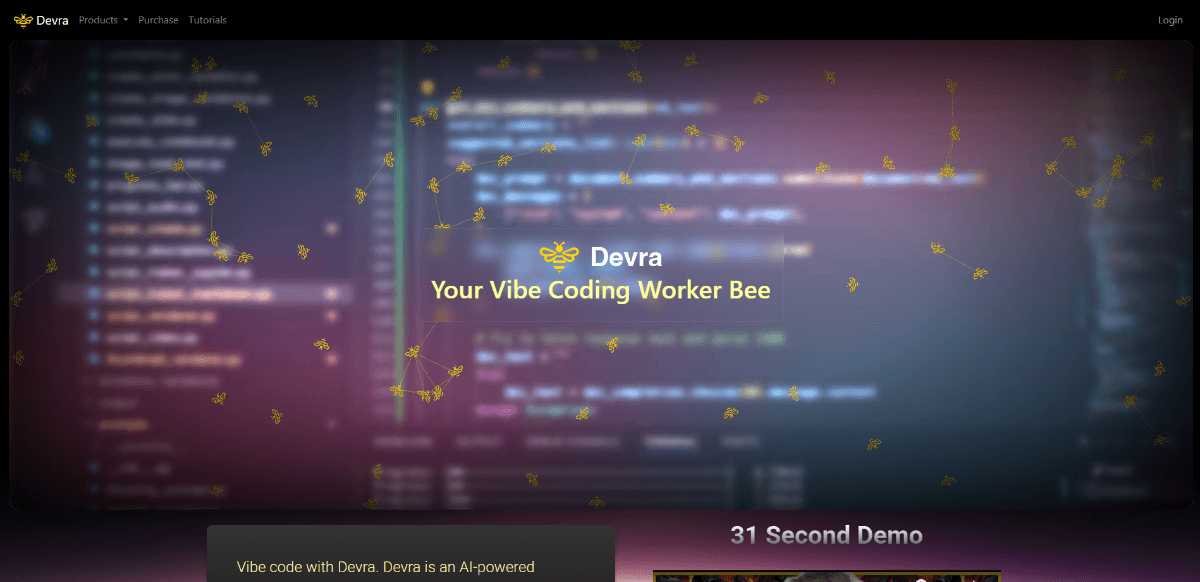
Devra
Enhance your dev workflow with Devra, an AI coding assistant. Auto-generate modules, fix bugs, write tests, and code via voice.
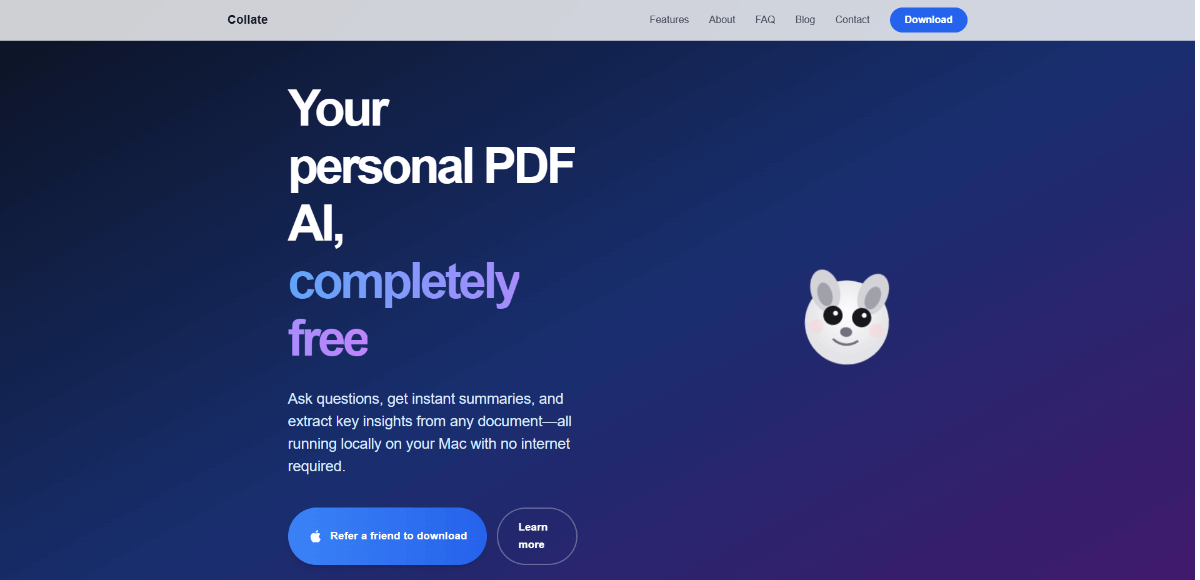
Collate
AI-powered PDF assistant for Mac, enabling offline document interaction, summarization, and insight extraction.
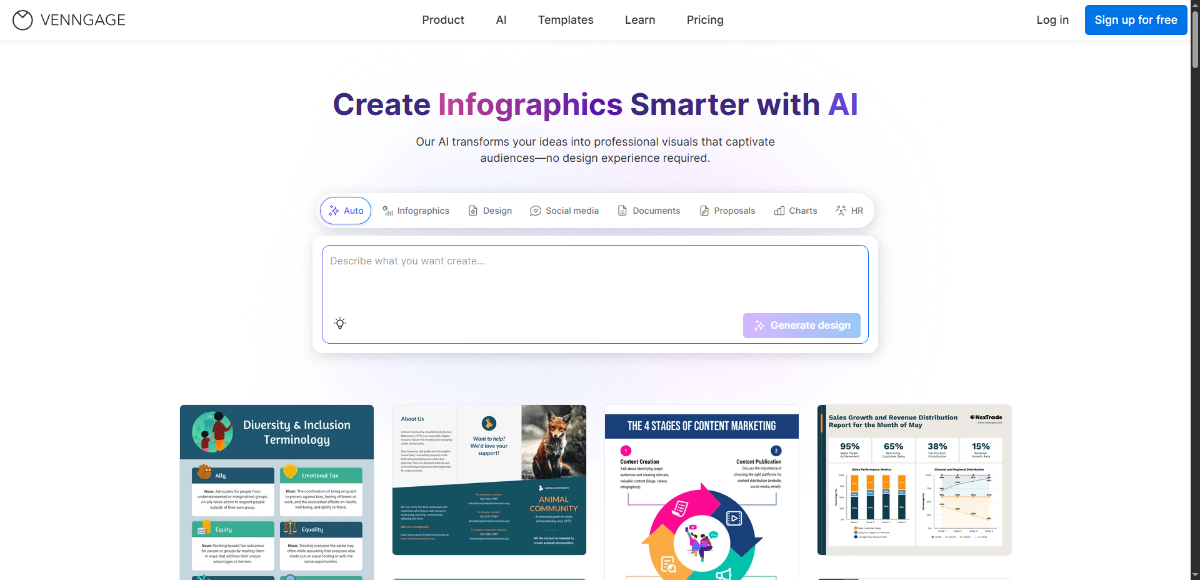
Venngage
AI-powered infographic and visual content creation platform for marketers, educators, and businesses.
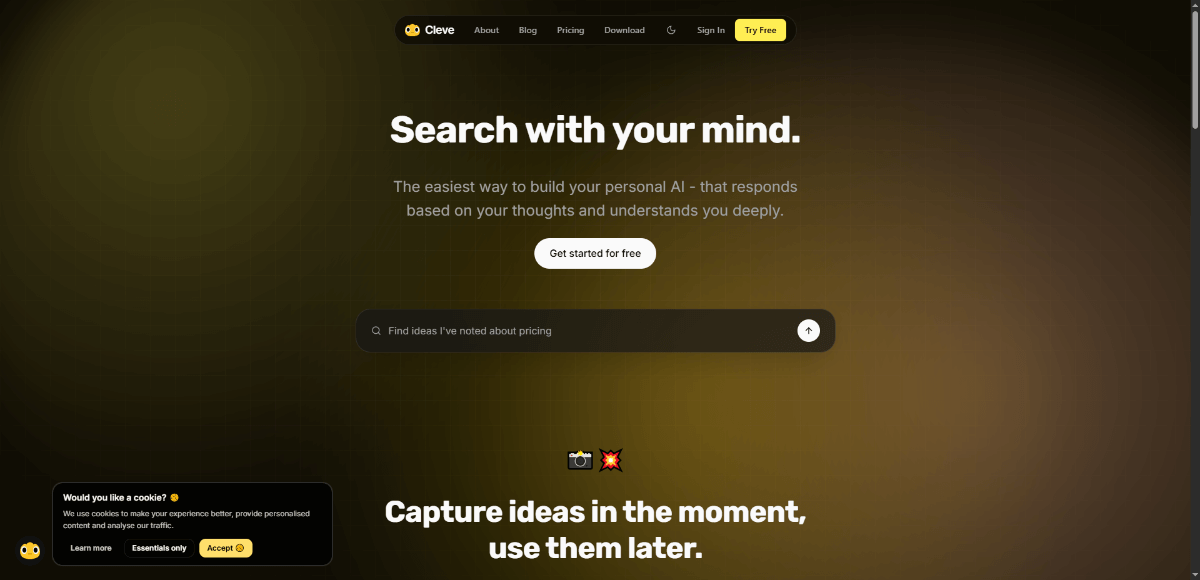
Cleve
AI-powered writing assistant and idea organizer to capture, draft, and publish content seamlessly in your own context.