Windsurf
An agentic AI-coding assistant and IDE that keeps developers in flow with context-aware tools, previews, and seamless integration.
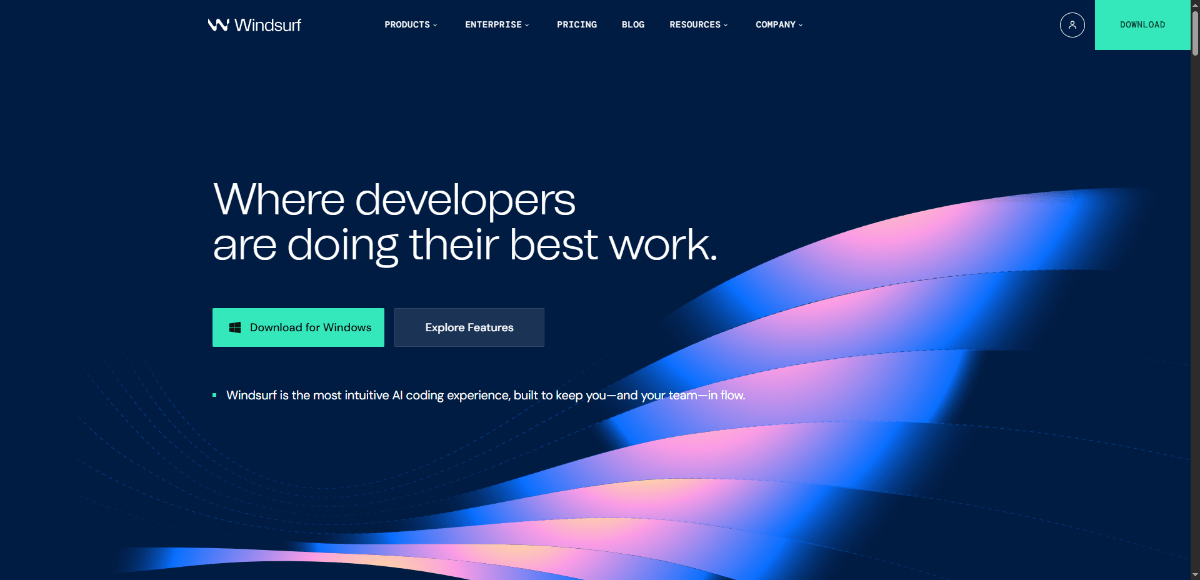
About Windsurf
Windsurf offers an AI-native IDE (the Windsurf Editor) designed to minimize context switching and boost developer productivity. Its Cascade agent deeply understands the entire codebase, integrates linters, lets you preview apps live, run terminal commands via natural language, fix lint errors automatically, and connect custom tools or services. Plugins are available to bring its AI workflow into multiple editors. Targeted for both individual developers and enterprise teams, Windsurf aims to streamline from idea to deploy without leaving the workspace.
Because Windsurf doesn’t just assist; it becomes part of your dev workflow. It maintains context, reduces friction, keeps you in flow, and brings tools and previews into an integrated space — helping developers and teams ship faster with fewer distractions and more continuity. Also powerful is that you can stay in your preferred editor via plugins or use the full Windsurf Editor if desired.
Key Features
- Cascade: agentic AI that understands your full repo and workflow context.
- Autocomplete/tab completion (Tab Tab Tab) with deep context awareness.
- Windsurf Previews: see live previews of your app inside the editor and reshape elements visually.
- Terminal Command in natural language: issue terminal commands via natural phrasing (⌘+I etc.).
- Lint & rules auto-fixing: detect lint errors and auto-correct them.
- Custom plugins / tool integrations: connect tools + services (MCP) like Figma, Stripe, Slack etc.
- Plugin support across many editors (JetBrains IDEs, VS Code, Neovim, Vim, etc.) so you can bring Windsurf’s flow to your preferred tools.
- Deep codebase knowledge: search memories, maintain project context, curated docs to reduce hallucinations.
- Cross-platform Editor: available on macOS, Windows, Linux.
Pros and Cons
Pros
- Very strong repository-wide context awareness, lowering risk of irrelevant suggestions.
- Live previews and fast feedback loops in the editor.
- Natural language terminal commands and inline commands reduce friction.
- Plugin support lets you bring Windsurf features into existing editors.
- Trusted by many users and enterprise adoption.
Cons
- Some features / limits may only be known via community / external sources (e.g. step/usage limits for Cascade) — transparency is partial.
- Steeper learning curve for setting up flow, previews, context features compared to simple autocomplete tools. (inferred)
- Performance / resource usage might depend on size of codebase, platform, installed tools. (inferred)
- Cost may grow for enterprise use or heavy feature usage. (inferred)
- Relatively newer tool, so maturity of edge-case behavior / compatibility may vary. (inferred)
Frequently Asked Questions
Related Websites
Other websites you might find interesting
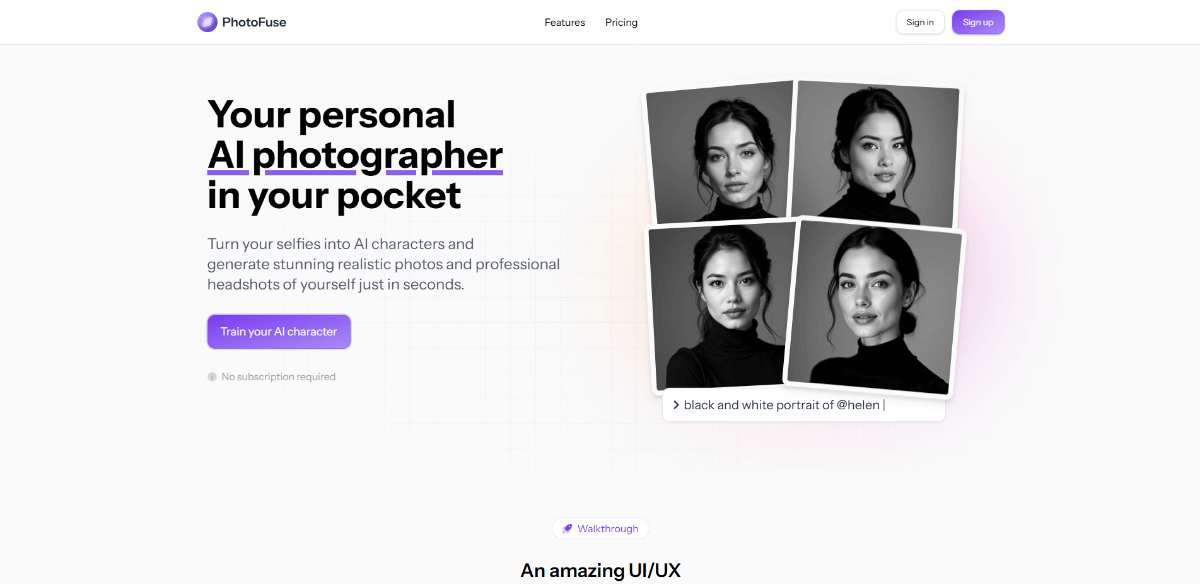
PhotoFuse AI
Your personal AI photographer in your pocket — transform selfies into AI characters and generate professional headshots in seconds.
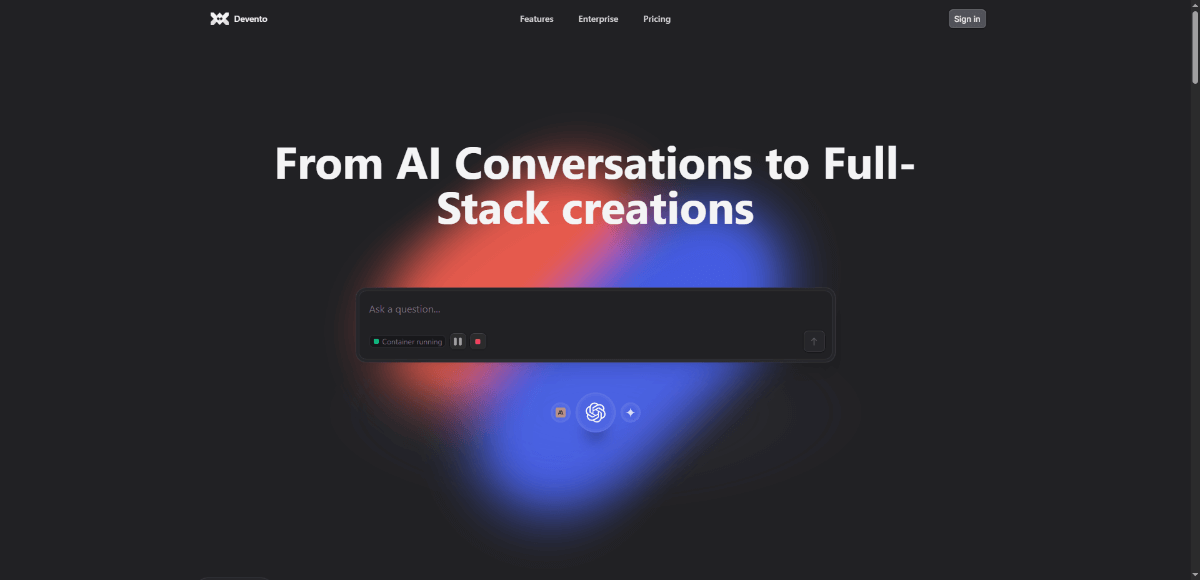
Devento.ai
Agent-powered platform that lets you chat, build and deploy full-stack applications with secure containers directly from a chat interface.

Aiter
One-click AI marketing assistant that generates ads, content, strategy, and SEO insights from your website.
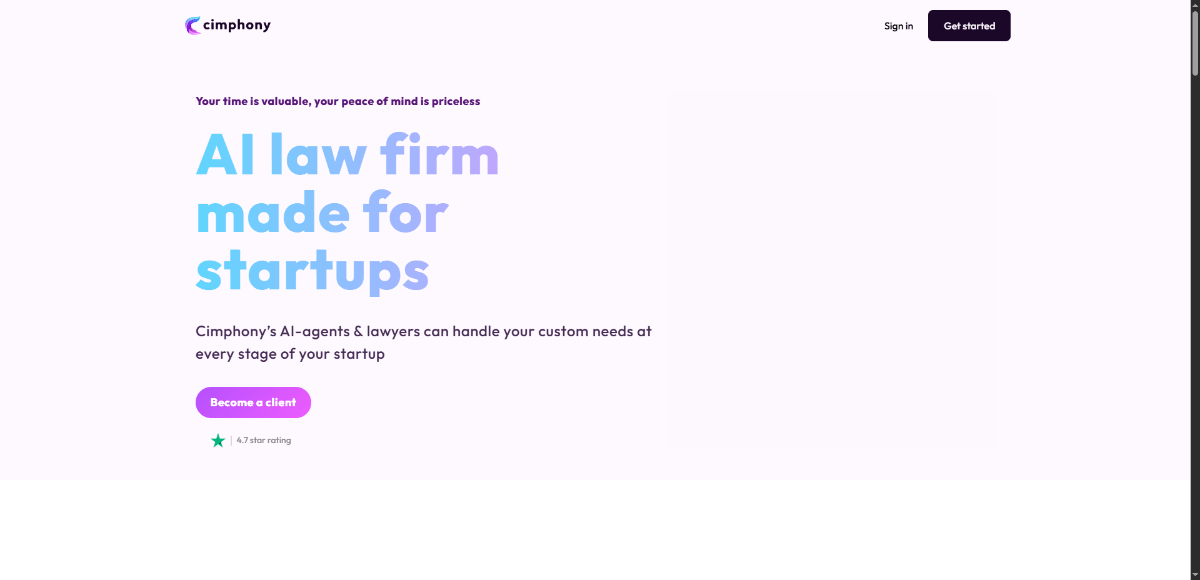
Cimphony
AI-powered legal platform offering automated document drafting, compliance, and startup legal services.