Codebuff
CLI-based AI coding agent that lets you edit your codebase and run terminal commands via natural language in your terminal.
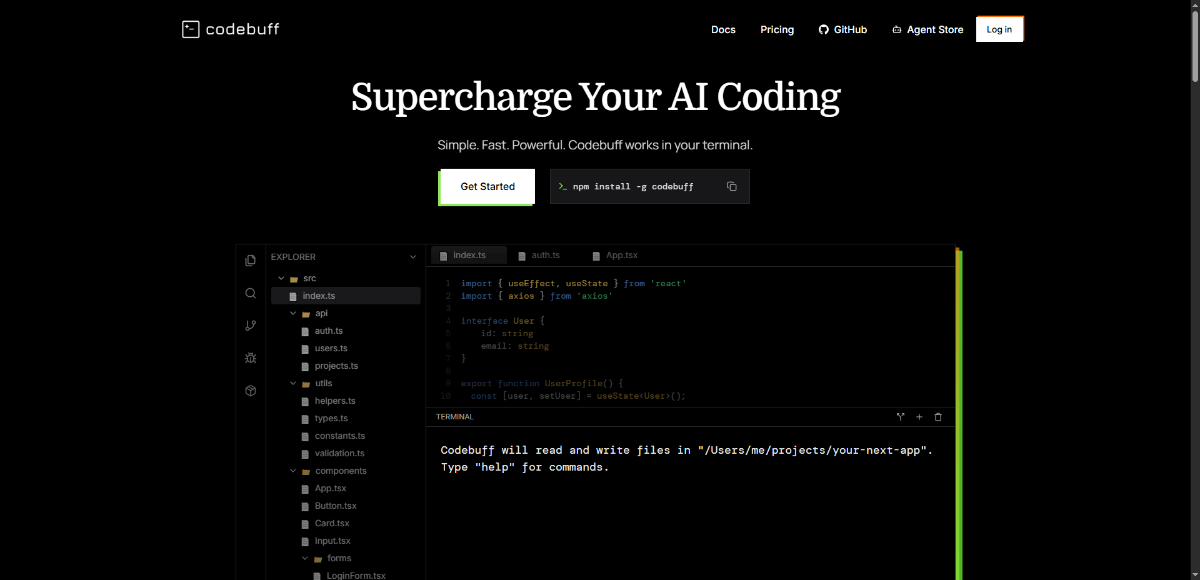
About Codebuff
Codebuff is a command-line tool (CLI) that deeply understands your project’s codebase, structural dependencies, and style. You install it globally (e.g. via npm), then interact with it by giving natural-language instructions in the terminal. It can read, modify, and refactor files, run tests or install packages, produce edits based on project context, persist knowledge between sessions, and perform surgical changes while respecting existing architecture. It emphasizes speed, minimal setup, and workflow integration.
Codebuff gives you power to modify and maintain your codebase via natural language *without leaving the terminal*. Its context awareness, ability to operate over file boundaries, run tests & commands, and remember previous interactions make it more than just a code suggestion tool — it acts more like a remote engineer working with your project. This can speed up workflows dramatically while maintaining code quality.
Key Features
- Natural-language instructions from the terminal to modify codebase
- Full project indexing in ~2 seconds to understand structure, dependencies & patterns
- Ability to run terminal commands (e.g. install packages, run tests, check type errors) as needed
- Surgical edits: precise code changes that respect existing style & architecture
- Persistent project knowledge (knowledge files) to remember prior usage/context across sessions
- Zero or minimal setup beyond installing CLI; works with any tech stack
- Handles error detection and auto-fixing (tests, type errors etc.)
- Competitor benchmarking, including comparisons to tools like Cursor, GitHub Copilot etc.
Pros and Cons
Pros
- Strong project-wide understanding (fast indexing of entire codebase) which tends to yield more relevant edits than file-isolated tools.
- Terminal-first workflow: integrates with CLI, minimal switching between tools.
- Ability to run commands, tests, install dependencies makes it more powerful than simple generators or prompts.
- Persistent memory / knowledge files help reduce repeated context explanation.
Cons
- Pricing is only partially disclosed; detailed tiers and usage limits are not fully visible publicly.
- Some risk of unexpected behavior if instructions are ambiguous; as always with AI agents, review needed for generated changes.
- CLI tools may have steeper learning curves for users who prefer GUIs or visual editors.
- Dependencies / environment differences (OS, project setup etc.) may introduce edge-case issues.
- Trust / safety: tools that can run terminal commands require careful permissions / oversight.
Frequently Asked Questions
Related Websites
Other websites you might find interesting

PhotoFuse AI
Your personal AI photographer in your pocket — transform selfies into AI characters and generate professional headshots in seconds.
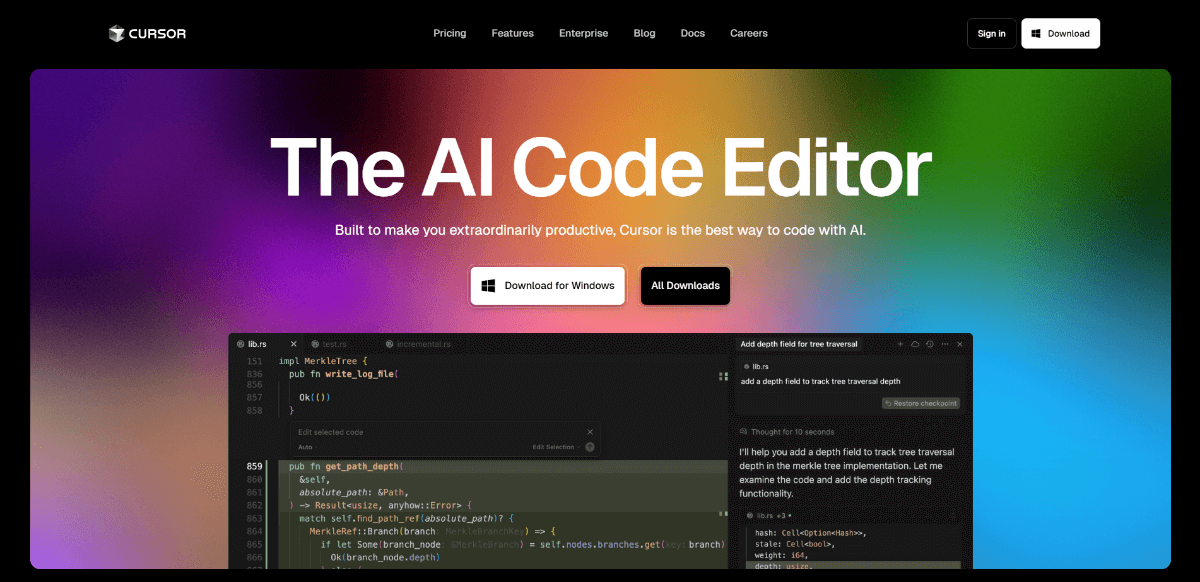
Cursor
An AI-powered code editor that boosts developer productivity by integrating intelligent code completion, multi-line edits, and natural language commands.
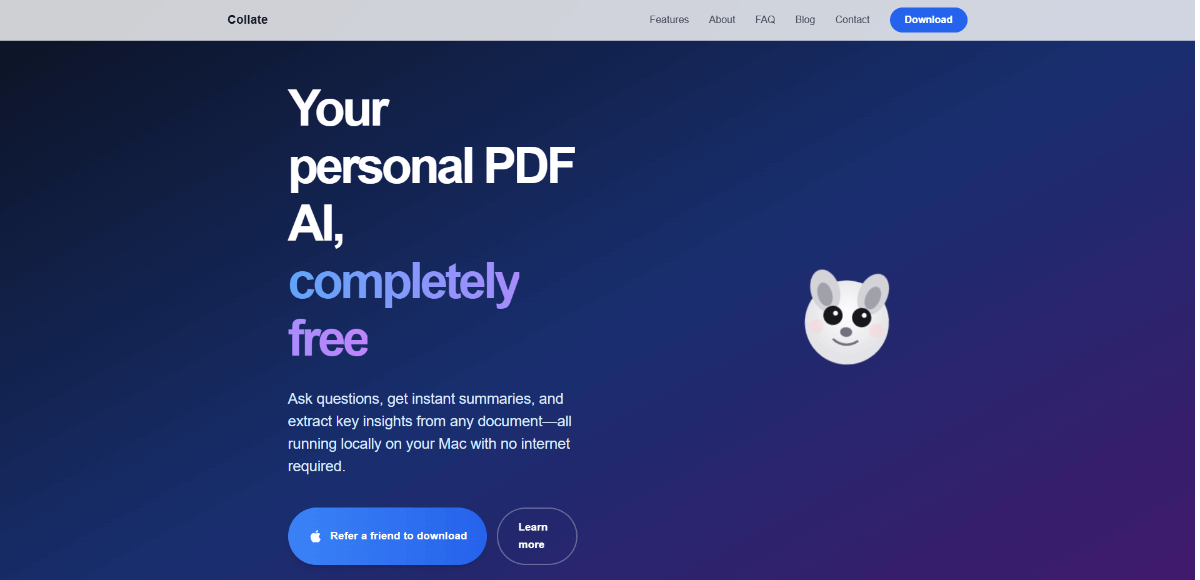
Collate
AI-powered PDF assistant for Mac, enabling offline document interaction, summarization, and insight extraction.

AIDesign
Free AI image generator: turn your ideas into visuals using text prompts instantly.